Who’s taking care of it?
A good idea in a conversation doesn’t always make it clear who will move it forward.
For student union committees
Tasks, posts and memberships: give your committee a shared space to move its projects forward.
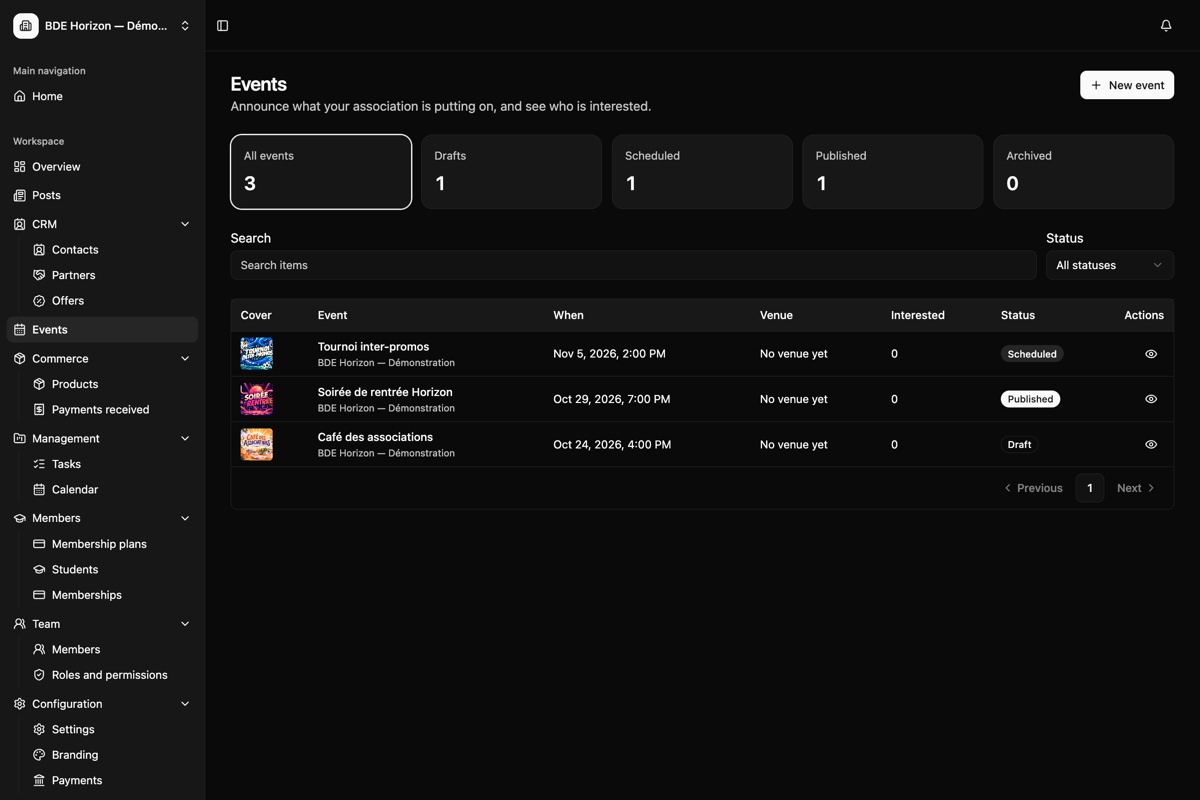
An event to prepare, an announcement to publish, memberships to track… When information is scattered, everyone has to piece the story together.
A good idea in a conversation doesn’t always make it clear who will move it forward.
Between messages and everyone’s own lists, it can be hard to find the committee’s priorities.
Finding an announcement or checking a membership shouldn’t mean searching through every conversation.
Give your committee a shared place to find its bearings.
Planning your next project? Coordinate the committee, keep students informed and track progress in Azygo.
Share the preparations on one board. Each task keeps its owner, deadline and details together.
Committee tasks stay in its workspace.
Azygo is already usable in beta. Explore the platform and tell us what your committee needs so we can improve it together.
See Azygo in a demoExplore the current screens and the workflows relevant to your needs.
Tell us how your committee works and what gets in the way.
Discuss available features, their limits and the conditions for access.
A few things to know about Azygo before we talk about your committee.
A question about your student union? Let’s discuss it in the demo.Yes. A working version is available in beta. Request a demo to explore the current version, its available features and their limits.
Yes. A workspace brings committee members together. Roles and permissions let you assign access according to each person’s responsibilities.
Shared tasks belong to the committee’s workspace. Private tasks are only visible to their author. Joining the association as a student does not grant access to that workspace.
We explain these during our conversation, alongside the features currently available. You can then assess Azygo with the information your student union needs.
The demo is a chance to discuss your organisation and the tools you use. Together, we can identify a useful first use case and talk through the steps needed to get started.
Leave your email and student union’s name. We’ll prepare a demo around what you’d like to simplify.
Your organisation and what you’d like to simplify.
The current screens and use cases that matter to your committee.
Available features, limits and access conditions.